Backgrounds
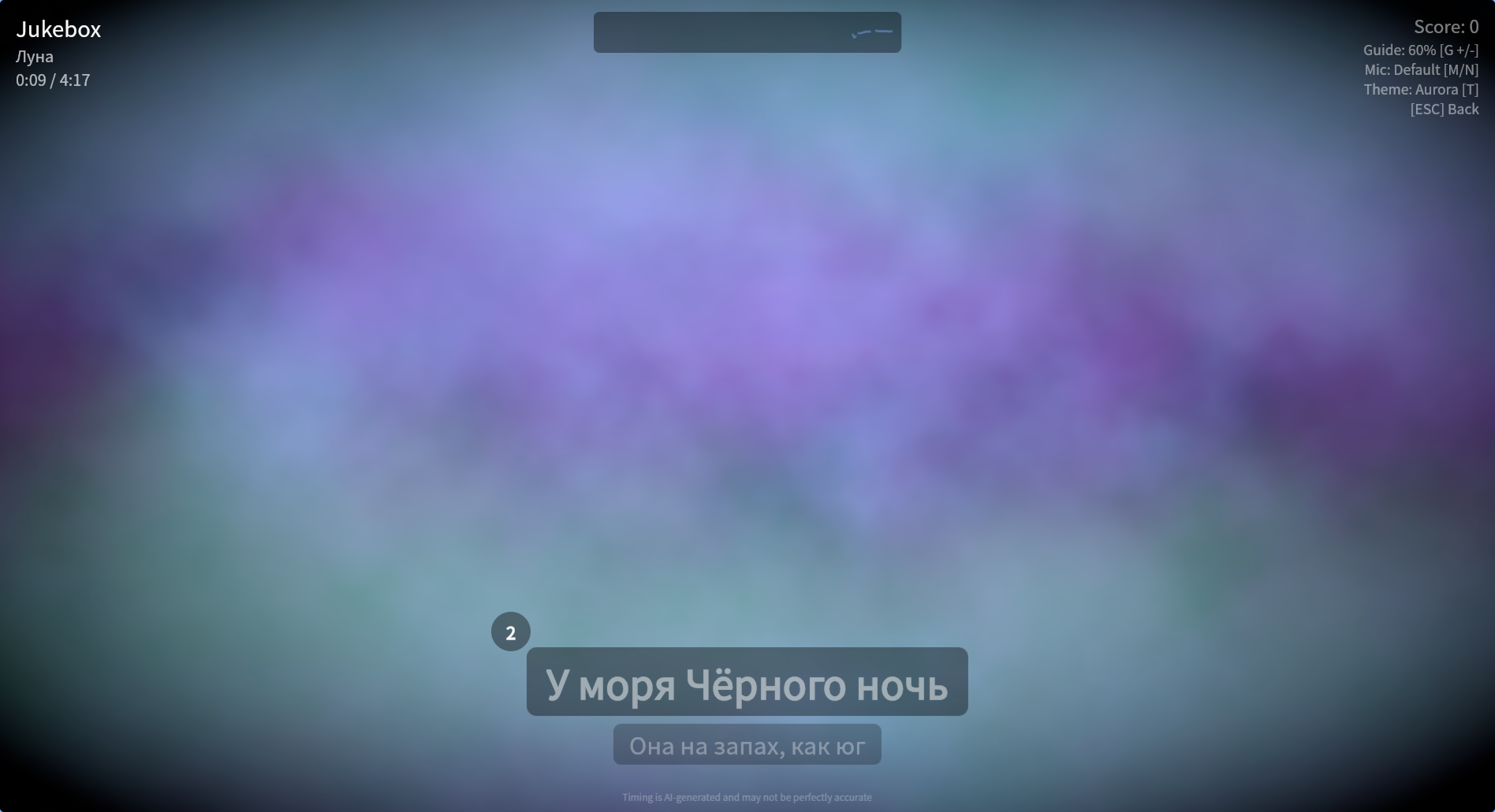
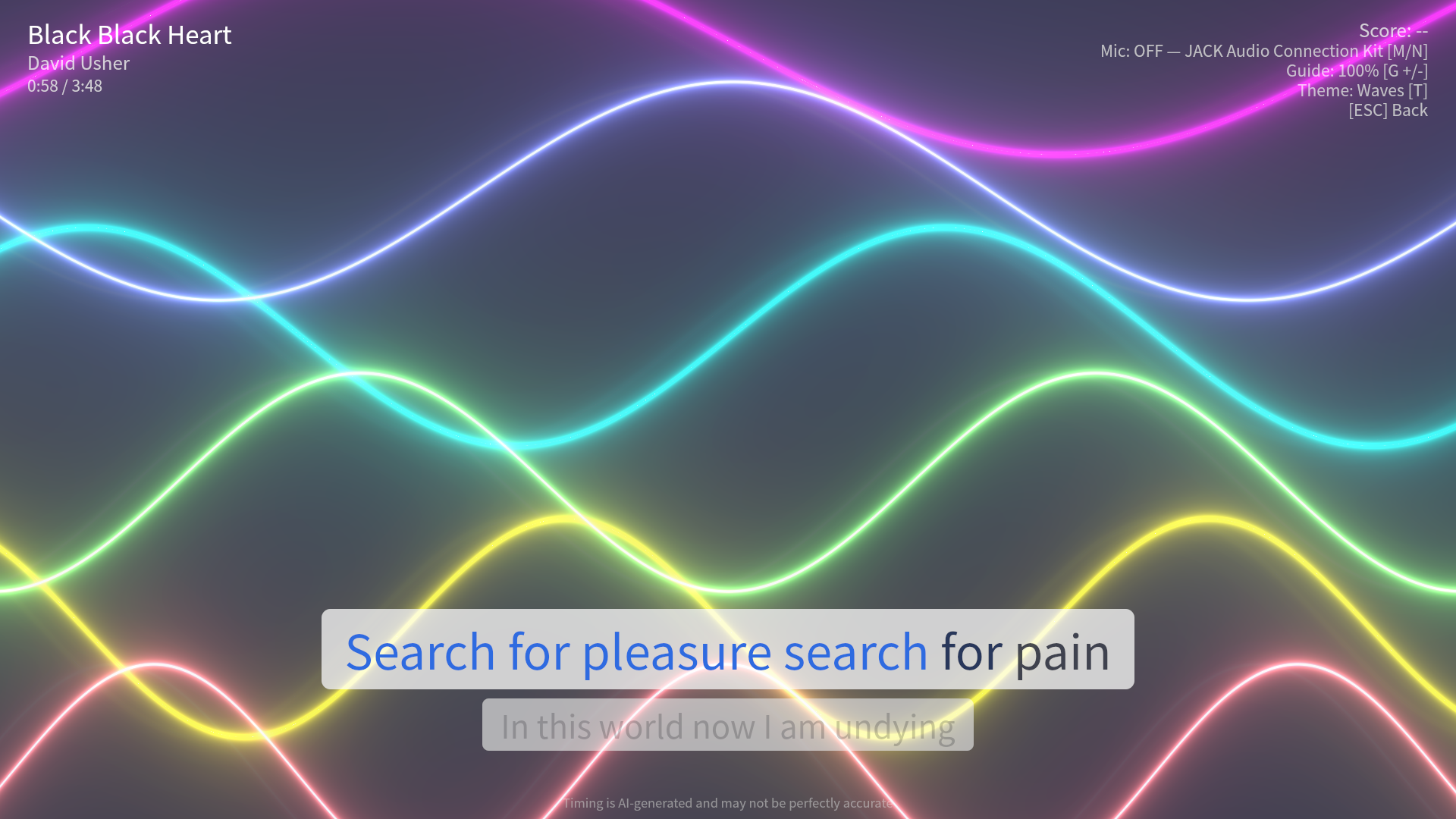
Nightingale offers a deep selection of background themes during playback, cycled with the T key.
10 GPU Shader Backgrounds
Ten backgrounds are rendered in real-time using GPU shaders (GLSL):
- Plasma — flowing colorful plasma effect
- Waves — undulating wave patterns
- Nebula — cosmic nebula clouds
- Starfield — deep space star field
- Sonar — radial pulse sweeps
- Voronoi — animated cellular tessellation
- Vortex — swirling color tunnels
- Metaballs — fluid blob morphs
- Spectrum — frequency-bar visualizer
- Oscilloscope — waveform line trace
These run at full frame rate and adapt to your display resolution.
Shaders are audio-reactive when the microphone is enabled: a real-time analyzer drives shared uniforms (level, low/mid/high band energy, beat impulses) so louder vocals push the visuals harder. With the mic off, the shaders animate on their own time-based clock.
Pixabay Video Backgrounds
Pre-downloaded video backgrounds from Pixabay in 5 flavors, cycled with the F key:
- Nature — forests, mountains, rivers
- Underwater — ocean, coral, sea life
- Space — galaxies, nebulae, Earth from orbit
- City — urban skylines, night cityscapes
- Countryside — rolling fields, sunsets
Videos are pre-downloaded during setup so they’re ready instantly.
Source Video Playback
When playing a video file (.mp4, .mkv, etc.), the source video plays as the background automatically. If the source is not directly playable, Nightingale generates a compatible playback version in cache.
Source video background timing follows playback tempo, so visual sync stays consistent when tempo is adjusted.